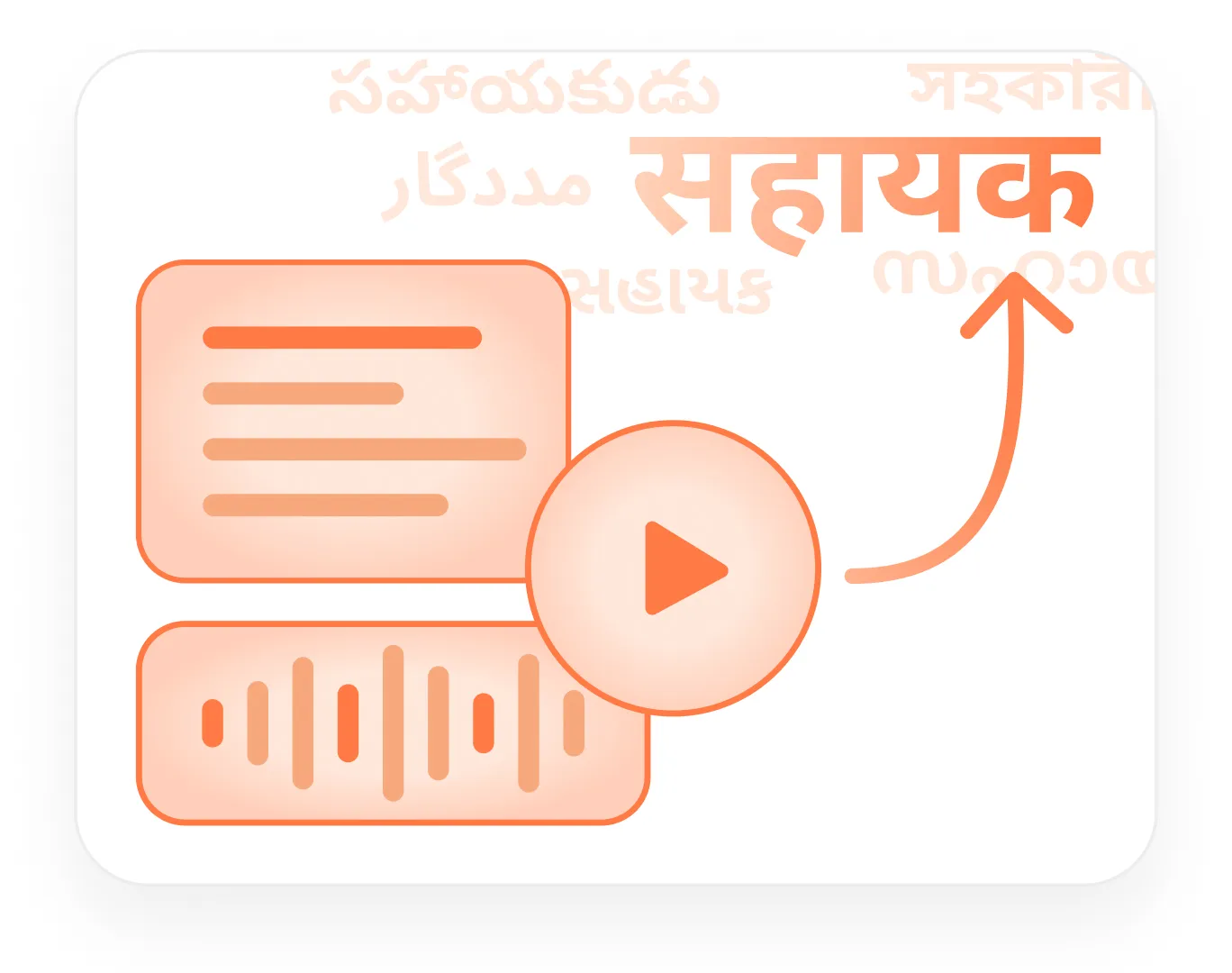
Localize
Translate content across text, image, audio, and video.
Preserve layout, voice, timing, emotion, and review control across multilingual content workflows.
TextImagePDFAudioVideo

 Contact
Create, localize, and make content accessible across languages and formats — with AI agents, human review, model routing, and enterprise controls in one workspace.
From brief to final delivery.
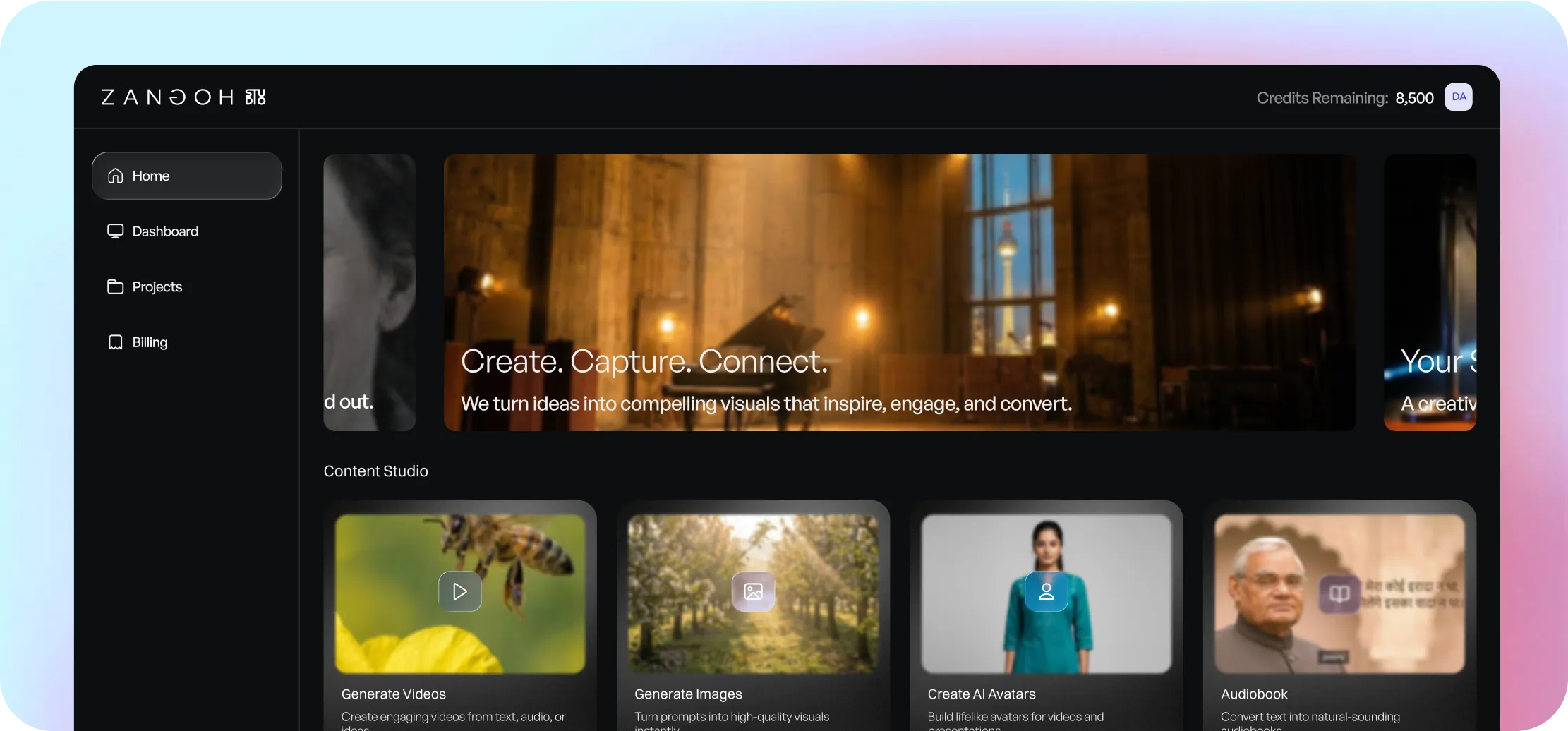
Start with the workflow you need. Studio keeps the context, versions, and review loops together.
Translate content across text, image, audio, and video.
Preserve layout, voice, timing, emotion, and review control across multilingual content workflows.
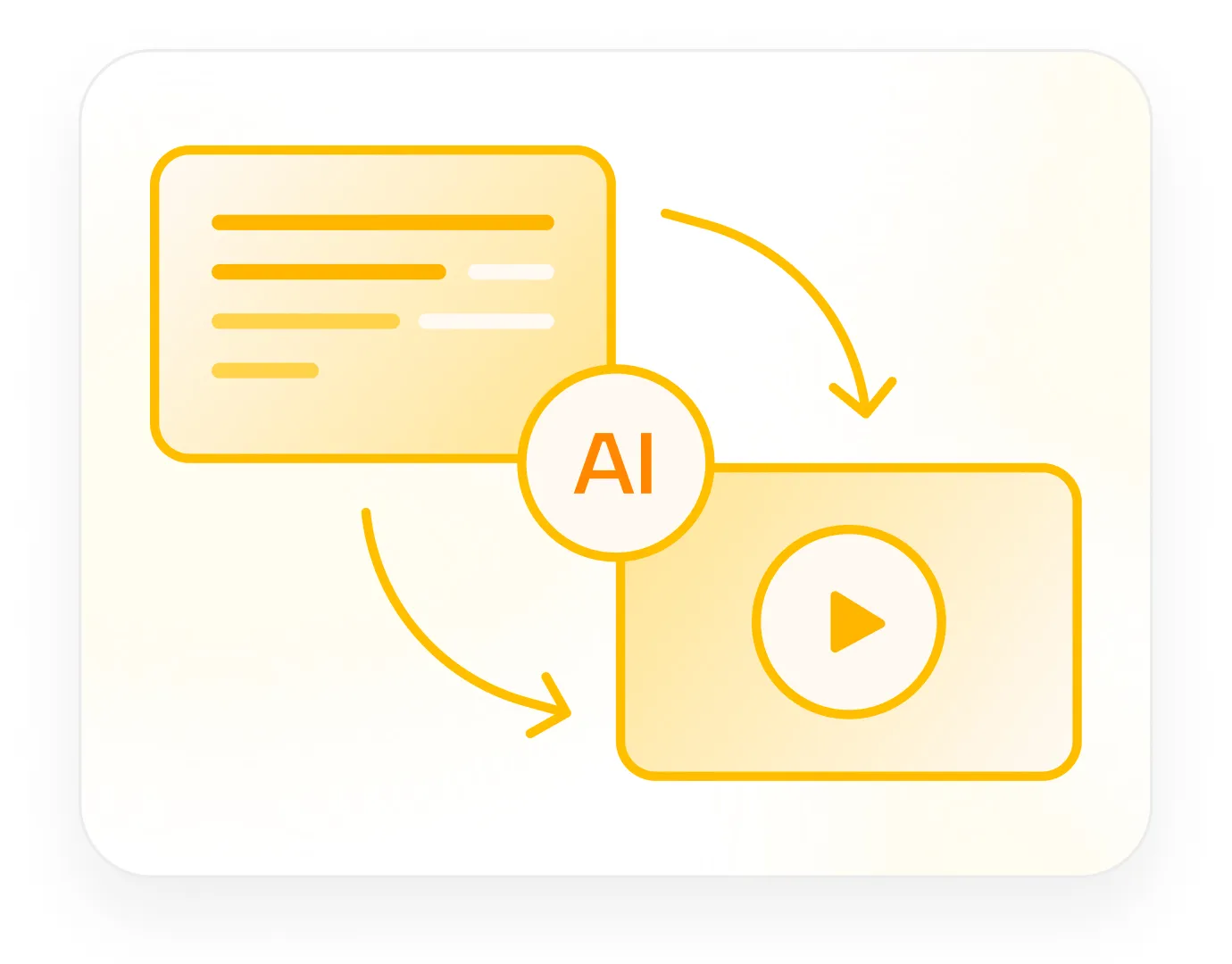
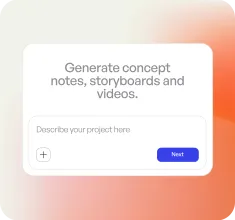
Generate media assets from briefs, references, and scripts.
Plan concepts, create images, produce audio, generate video, and assemble outputs with version history.
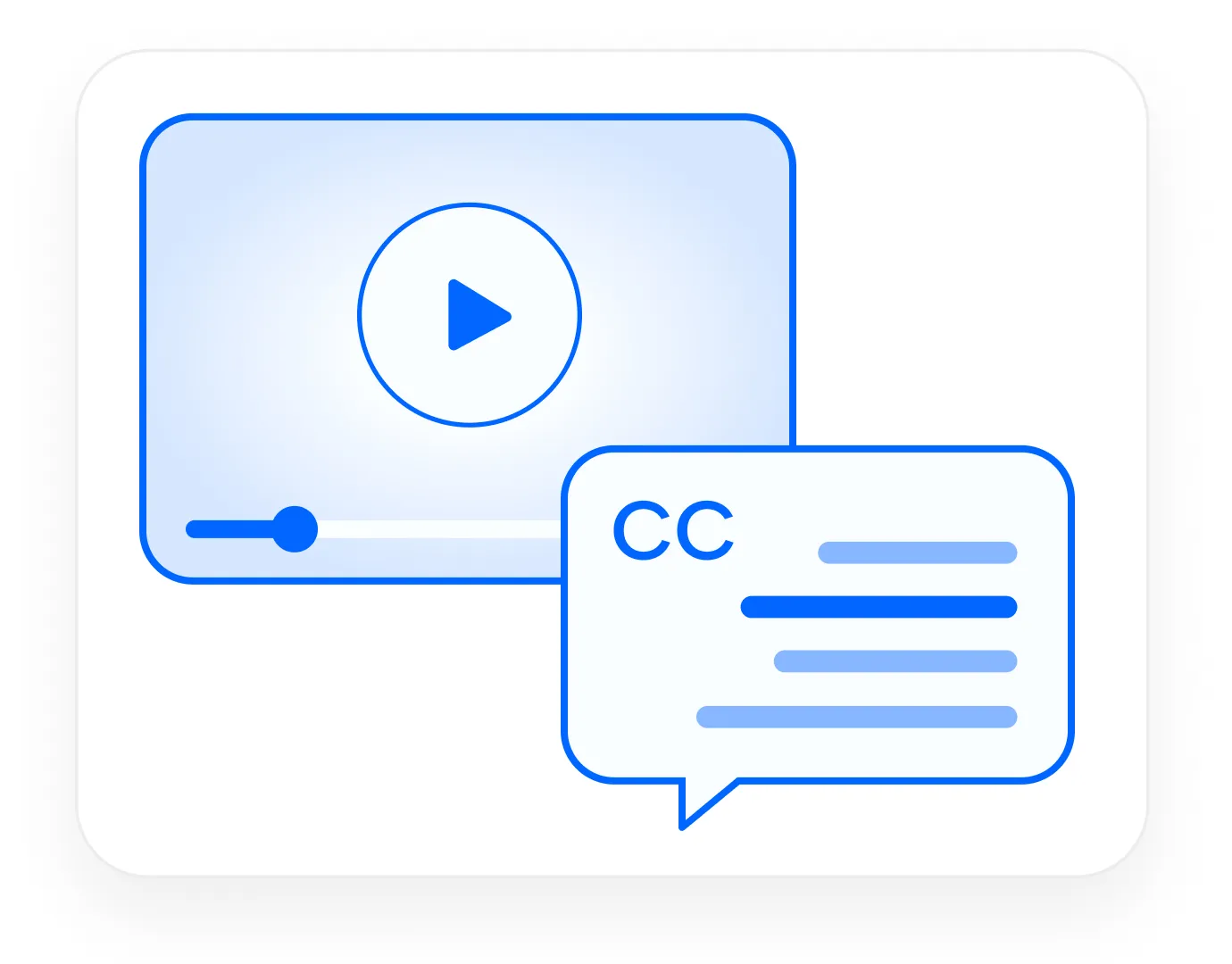
Prepare content for audiences that need captions, descriptions, and transcripts
Generate and review captions, SDH, audio description, transcripts, and subtitle exports.
Studio Director plans the workflow, routes the right models, creates assets, asks for review, and assembles the final output.
Translate across formats while preserving layout, timing, tone, speaker identity, and review control.
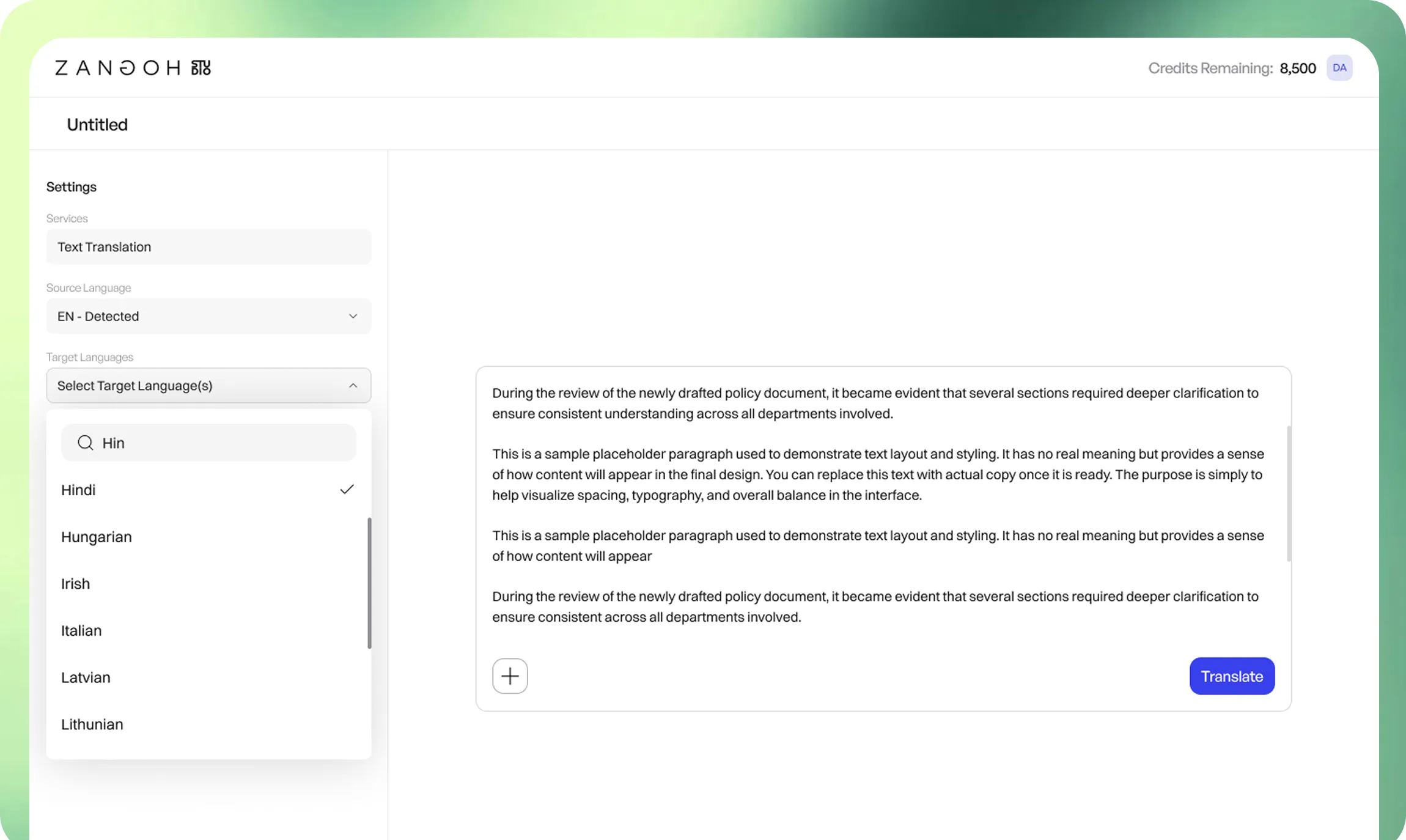
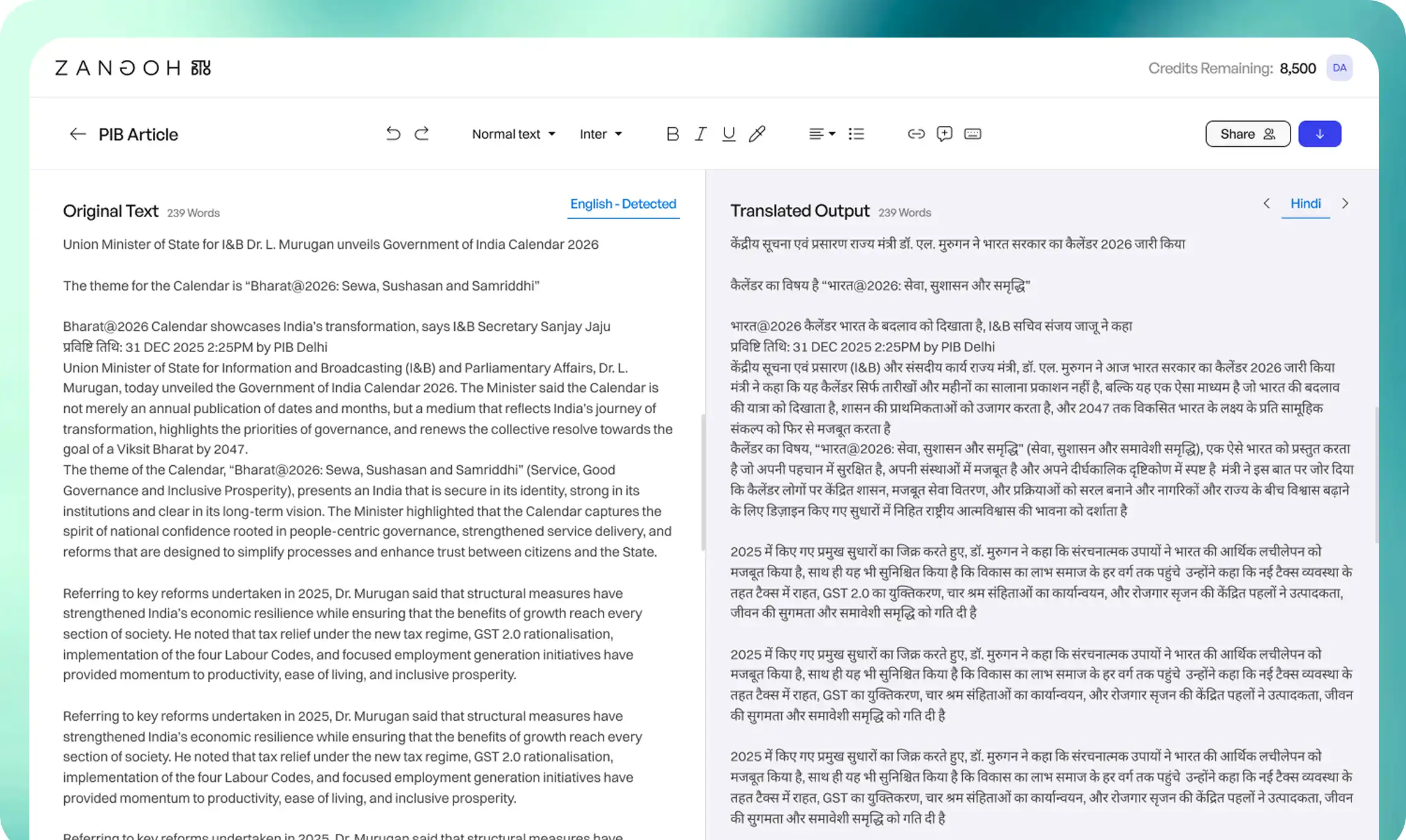
Translate and edit formatted text with comments, transliteration typing, regeneration, and review views.
Studio turns briefs, references, and scripts into coherent assets — with planning, continuity, versioning, and human review.
Ingest briefs, references, and research. Extract facts, constraints, entities, risks, and production requirements.
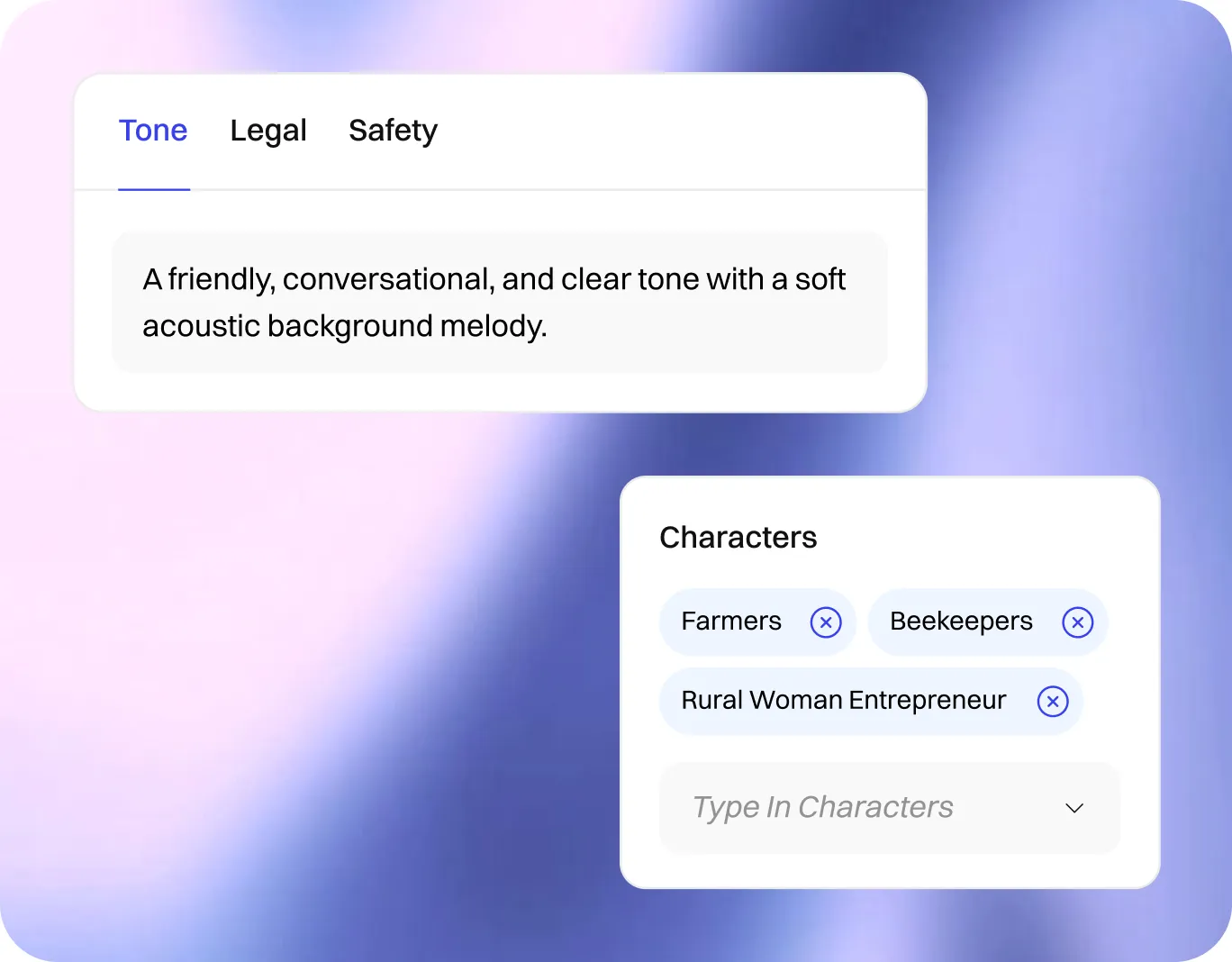
Generate concepts, scripts, scene breakdowns, shot plans, and asset graphs for consistent production.
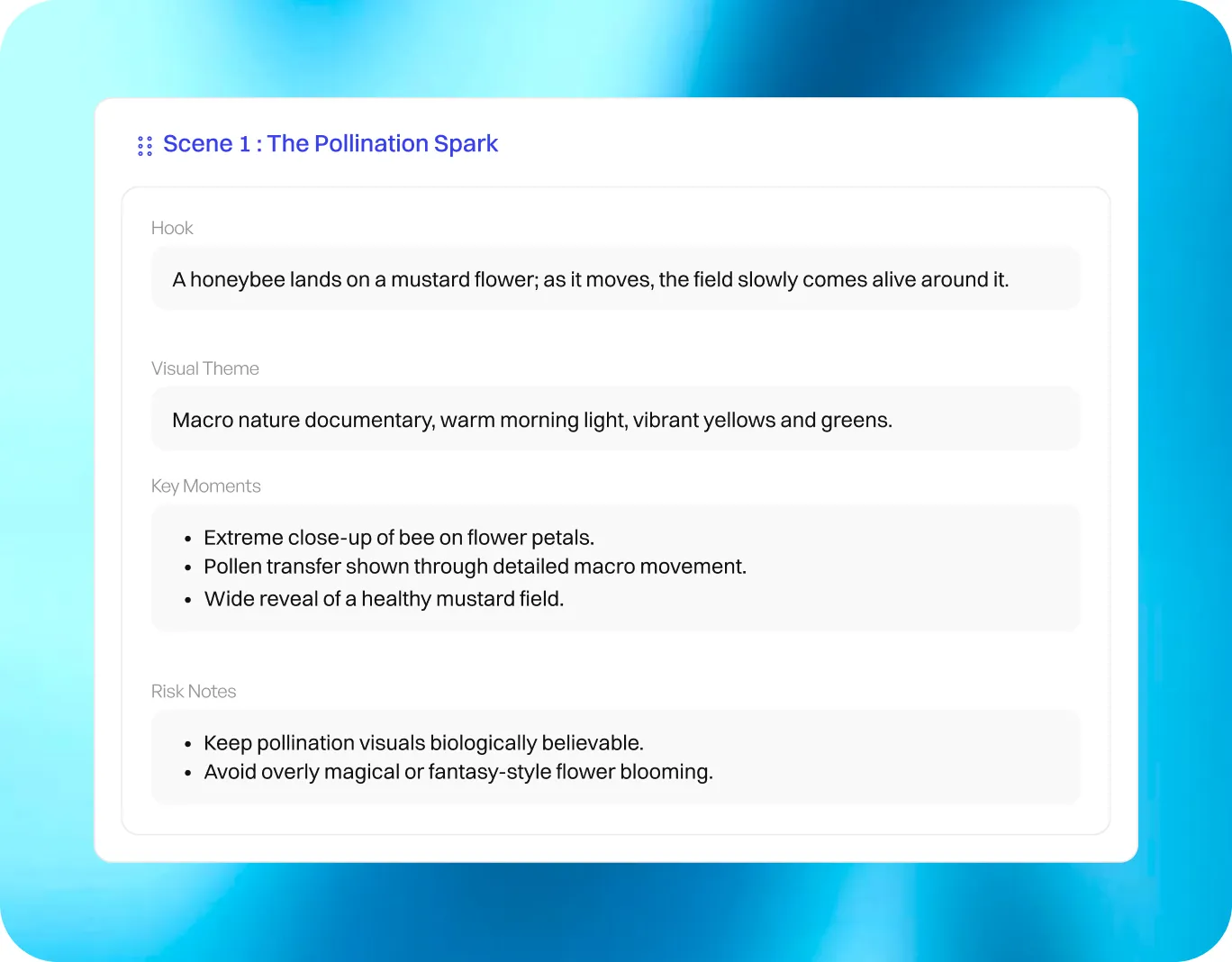
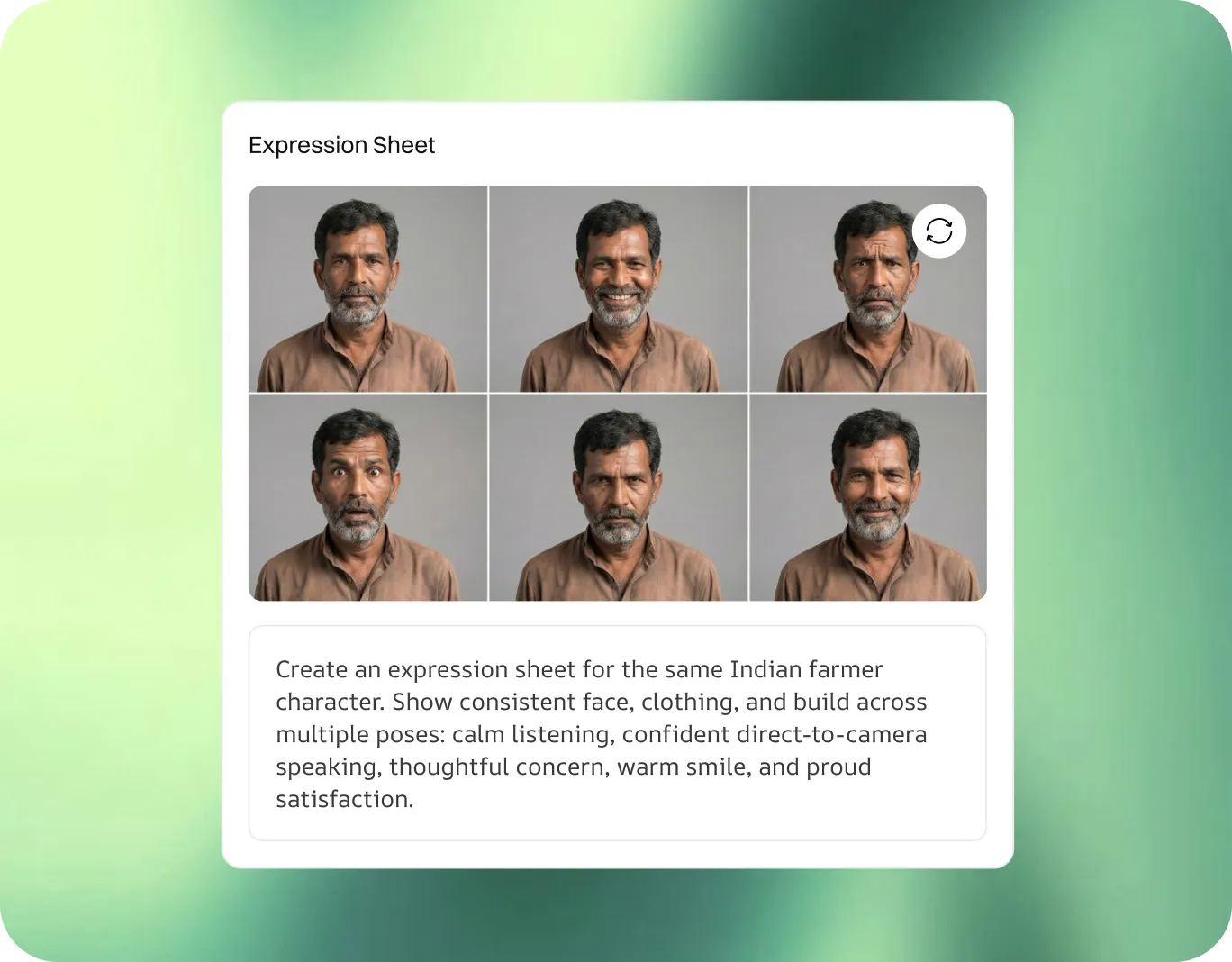
Create and edit images, character sheets, clean plates, reference assets, and harmonized compositions.
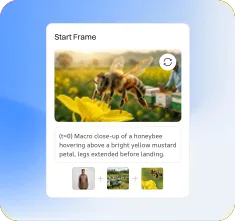
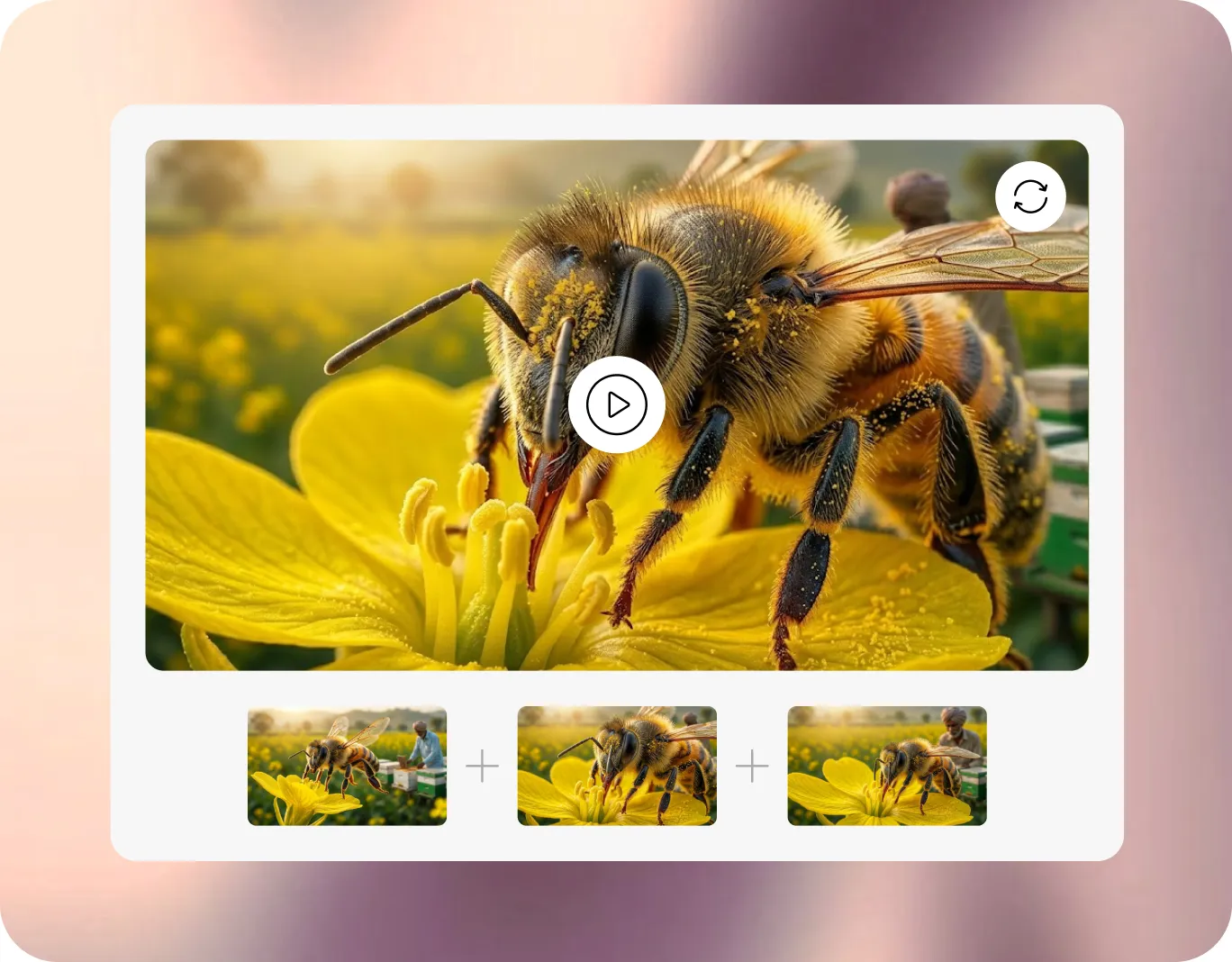
Generate video from text, images, frames, & ingredients. Extend clips, upscale outputs, and manage versions.
Create voiceovers, expressive TTS, SFX, ambience, and music aligned to scenes and timing.
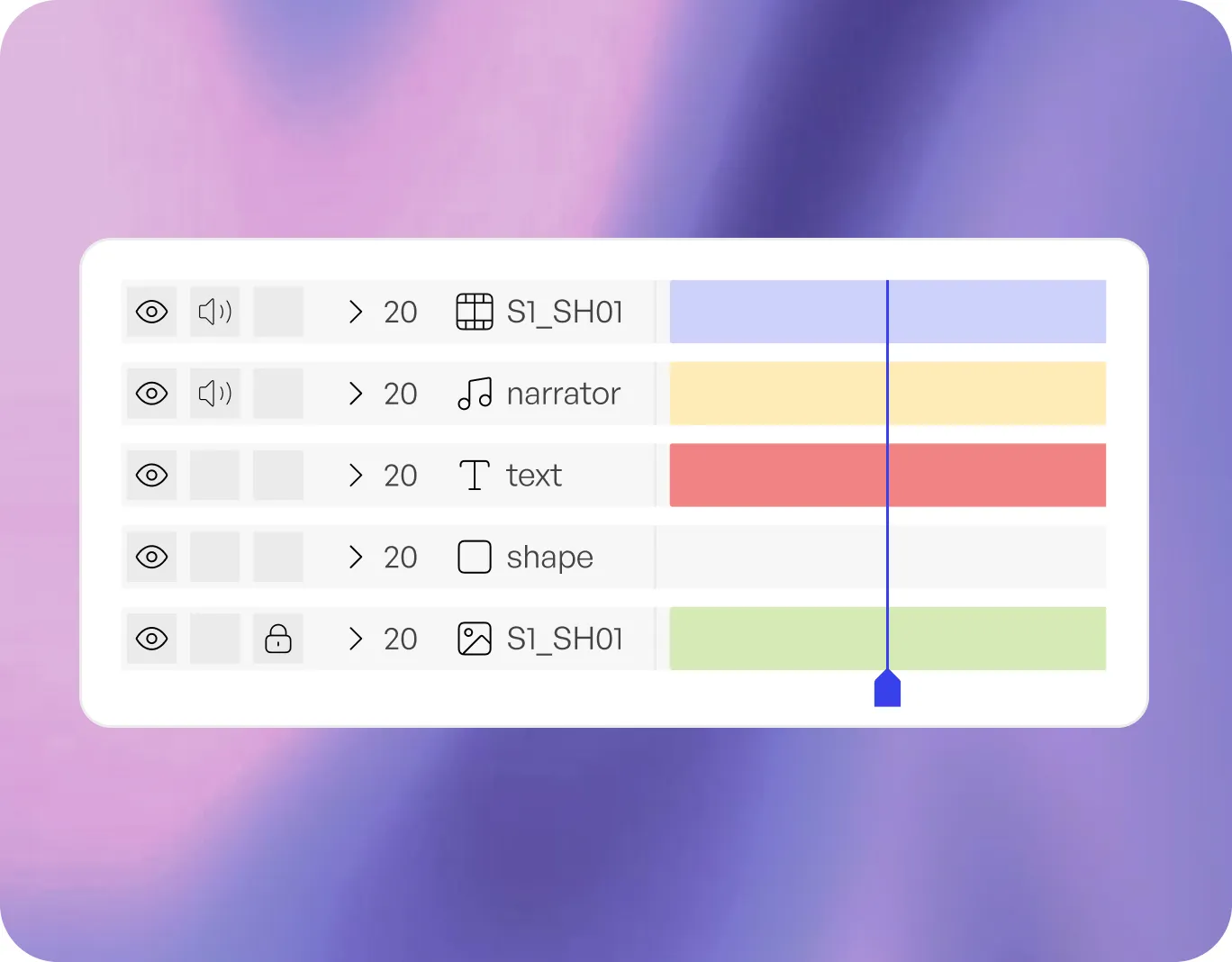
Auto-place video, voice, music, SFX, and subtitles into an editable timeline, with in-editor generation for gaps.
Generate captions, SDH, transcripts, and audio description with review tools for teams that need accessible content at scale.
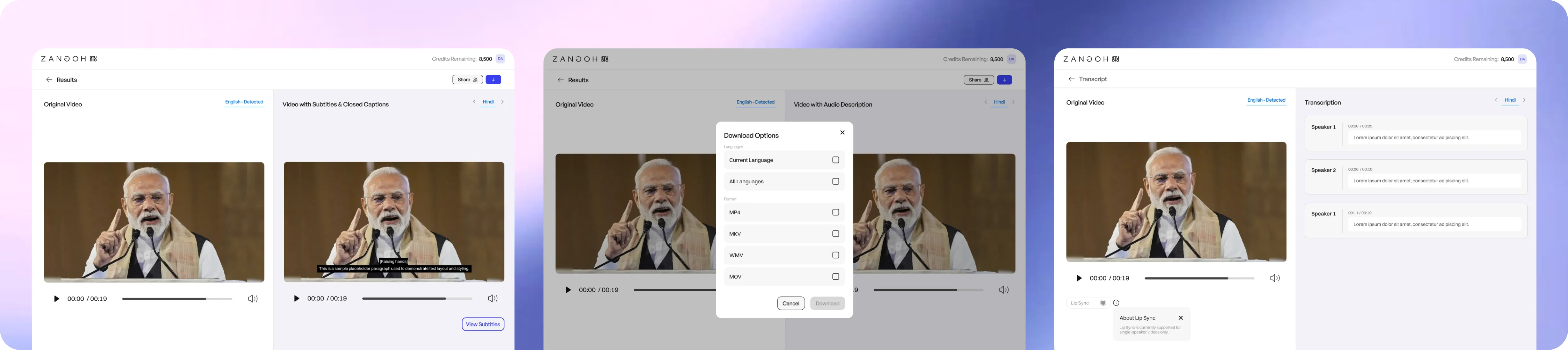
Extract, edit, time, burn in, or export subtitles and SRT files.
Add speaker labels, sound cues, and non-dialogue context for accessible viewing.
Generate narration for key visual moments, review timing & export audio tracks.
Convert speech to text with speaker recognition and editable transcript views.
Flag low-confidence segments, route reviews, and version accessibility assets.
Review translations, timing, voices, visuals, references, comments, versions, and final exports in one workspace.
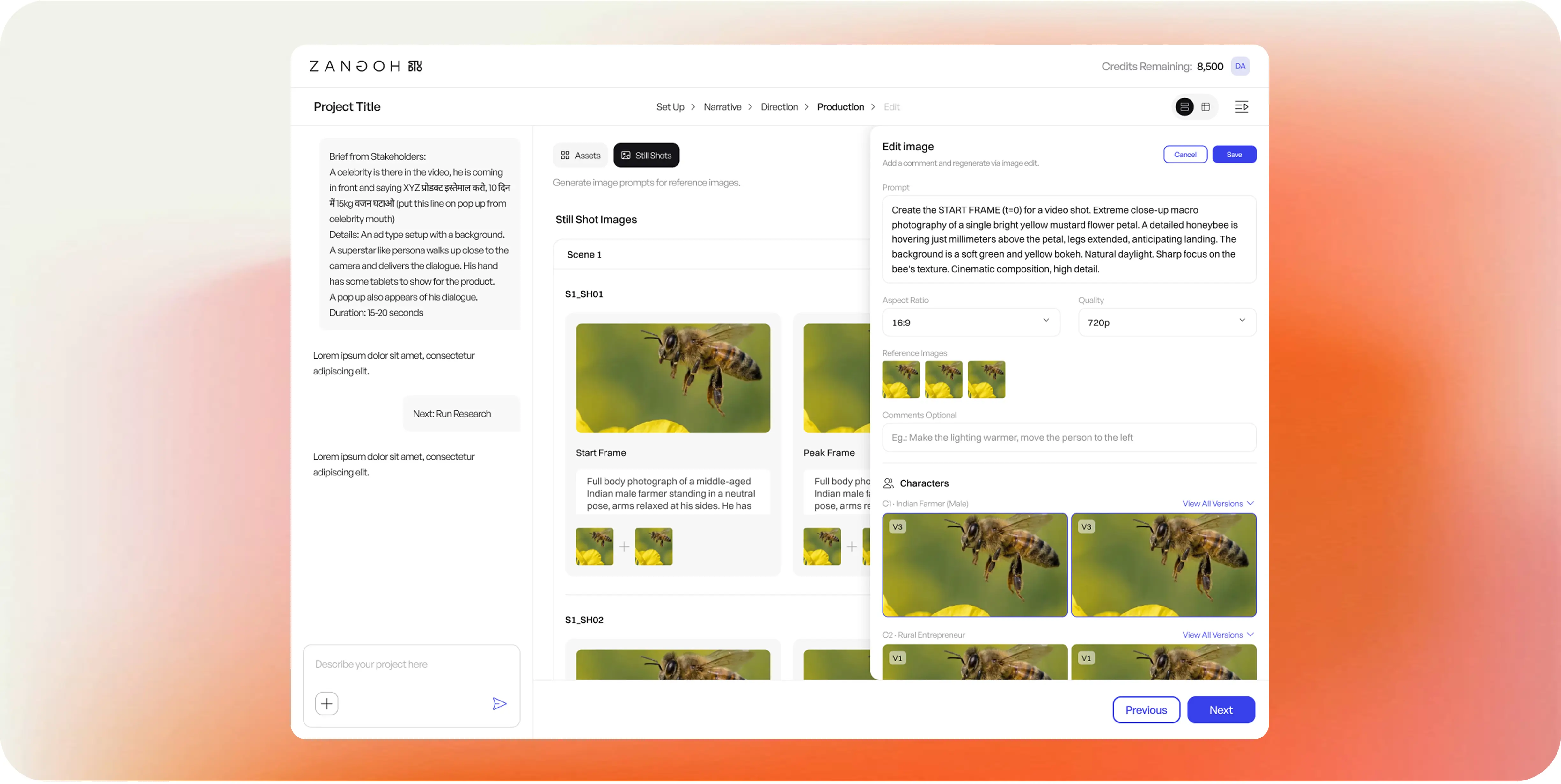
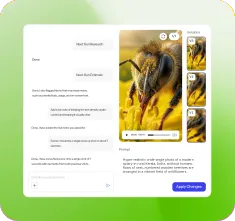
Direct Studio Director, upload references, request changes & manage workflow context.
Preview images, video, audio, and output variants as work is generated.
Review prompts, descriptions, assets, languages, and outputs in a structured grid.
Compare image and video variants visually before selecting the final asset.
Assemble video, voice, music, SFX, subtitles, and edits in one place.
Track changes, restore previous outputs, and keep review comments attached.
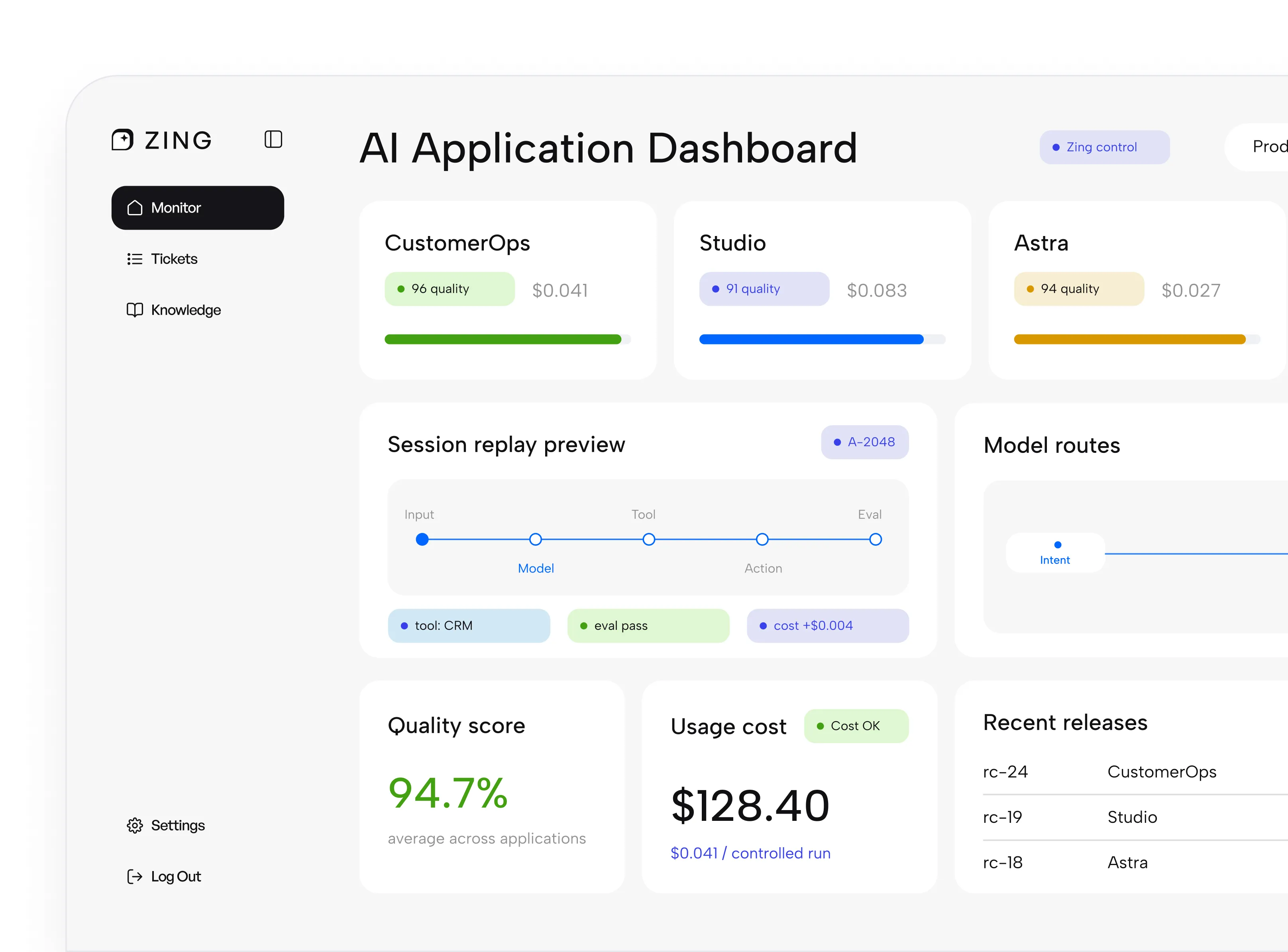
Track usage, route models, manage approvals, monitor outputs, and keep every media workflow observable.
Use the right model for translation, speech, image, video, audio, or review.
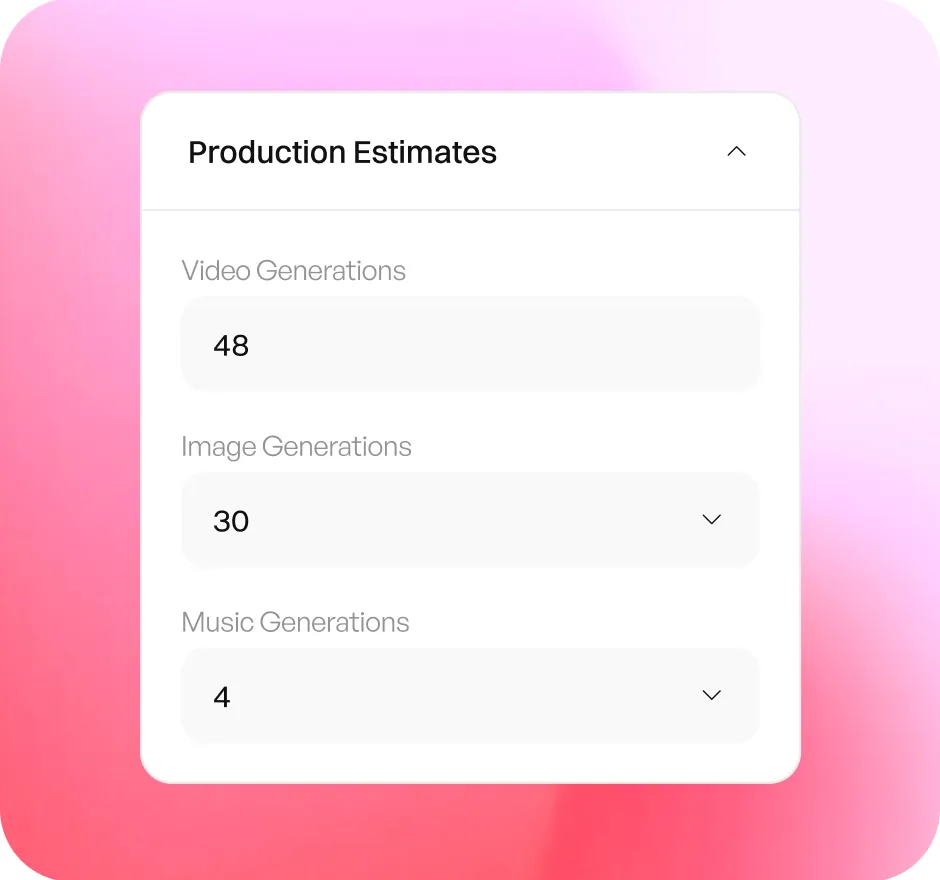
Estimate and track media generation costs before and after each run.
Route sensitive assets to humans before export or delivery.
Run in Zangoh Cloud, private VPC, or controlled environments for enterprise programs.
Zangoh can deliver managed localization, accessibility, and content packages using Studio plus human review.

Best for: internal content teams
Access the workspace, generate assets, review outputs, and manage usage.

Best for: producers, agencies, public-sector teams & high-volume delivery
Send us the files or brief. Zangoh runs the workflow, reviews the output, and delivers the finished package.
Localize a video. Generate a campaign. Make content accessible. We’ll help you run it in Studio and control it in Zing.


