
 Contact
The control
plane for AI
applications.
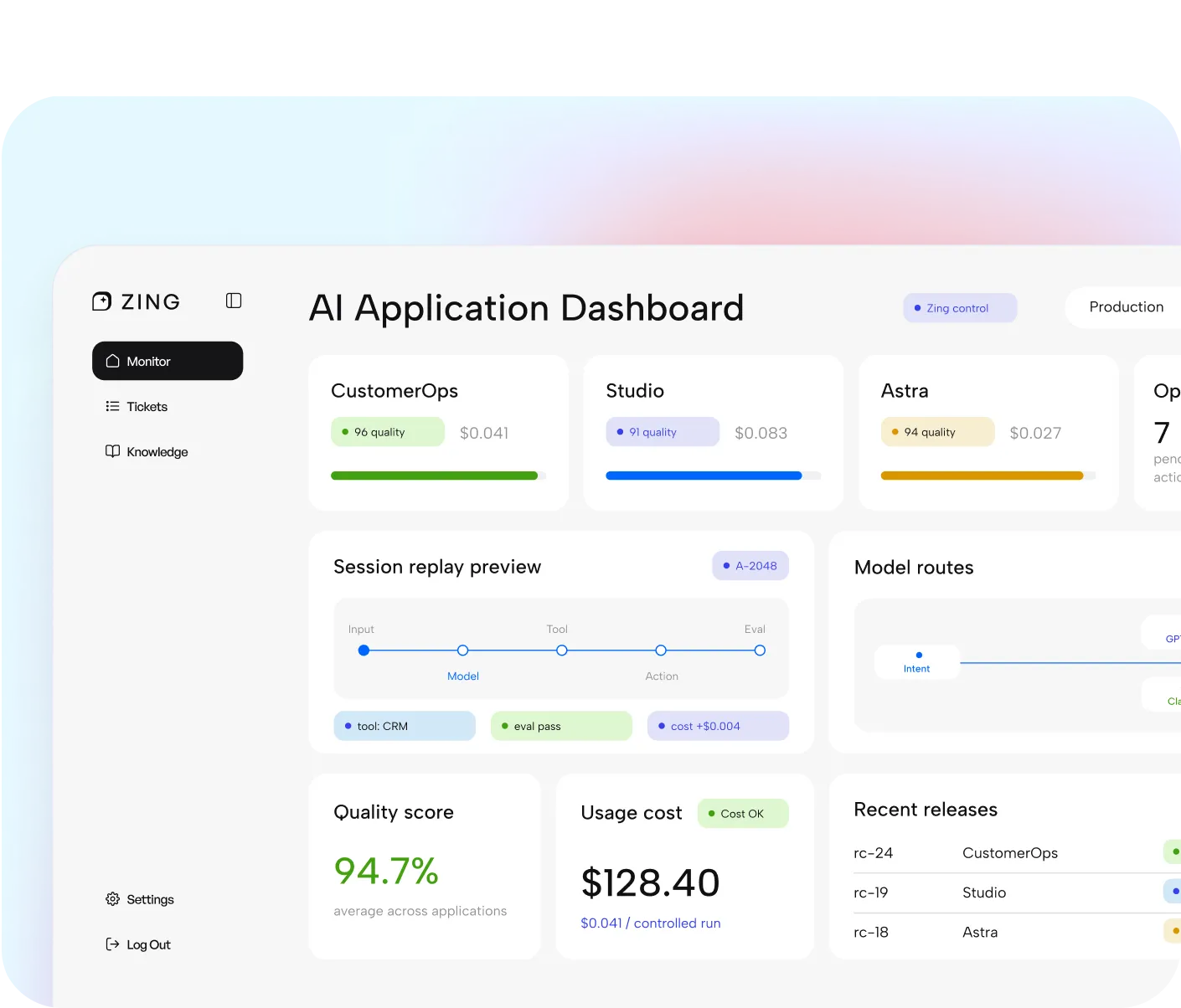
Zing lets teams customize workflows, monitor decisions, test changes, manage models and tools, approve releases, and improve every Zangoh application from one place.
No black box. No blind automation.
Why Zing Exists
AI applications don't stay still.
Policies change. Tools break. Knowledge goes stale. Models get cheaper. Customers find edge cases. Zing gives every application a controlled way to adapt.
Zing turns that mess into an operating loop:
The Operating Loop
Build. Run. Observe. Improve.
Zing gives every AI application a lifecycle from blueprint to production to continuous improvement.

Build
Start from a Zangoh blueprint, connect data and tools, and define the workflow.

Run
Operate live applications across channels, teams, models, and environments.

Observe
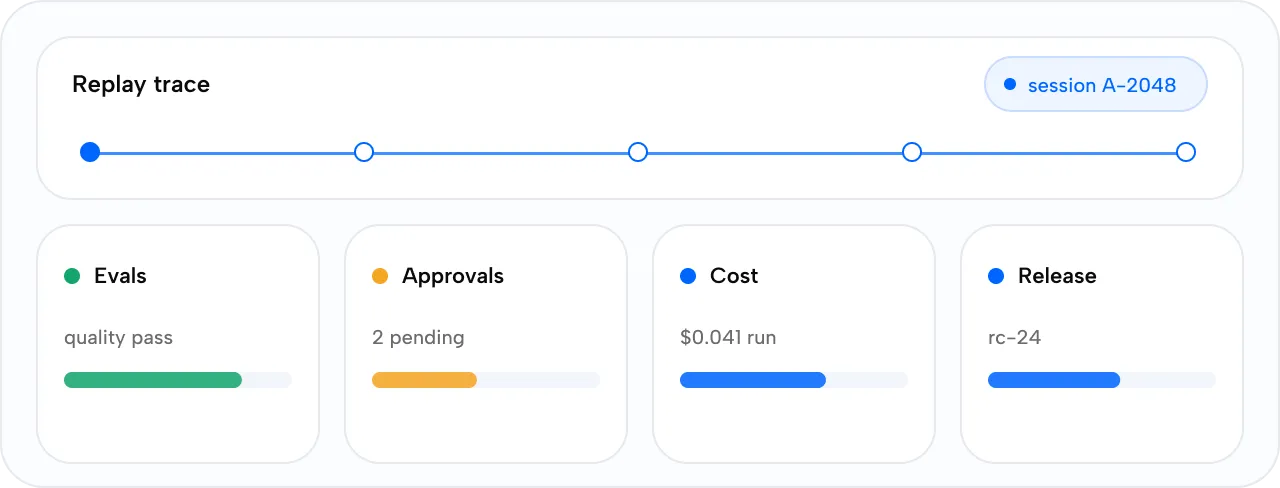
Replay decisions, tool calls, knowledge used, approvals, cost, and outcomes.

Improve
Request changes, run tests, approve releases, and track impact after deployment.
Zing Architect
Ask for a change.
See the difference.
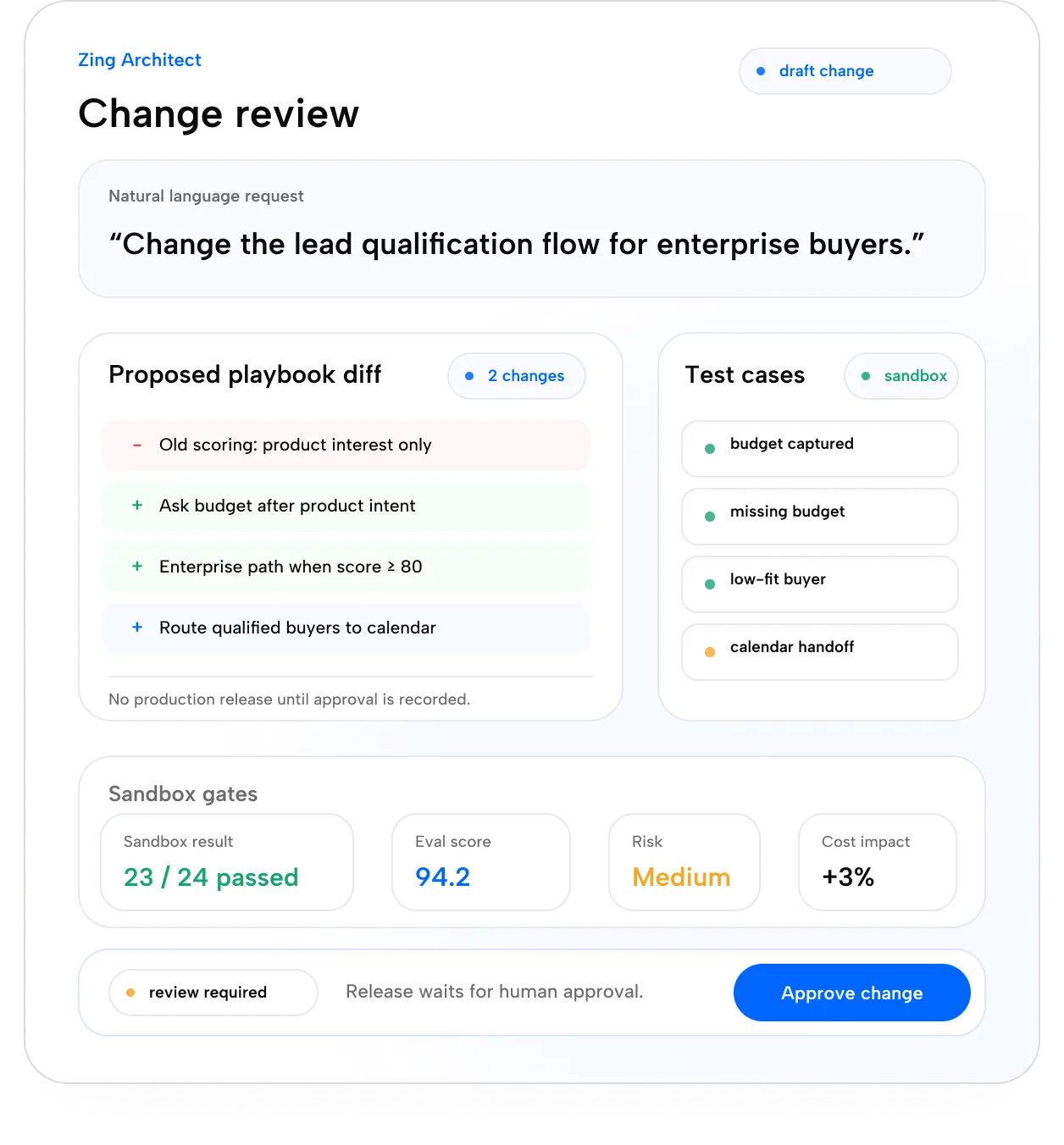
Zing Architect turns plain-English requests into proposed workflow changes, tests them in a sandbox, shows the risk, and prepares them for approval.
Plain-English request
Example prompt
“For high-value inbound leads, ask about budget before recommending products, then route qualified buyers to Raj's calendar.”
Control Surfaces
Your workflow, under control.
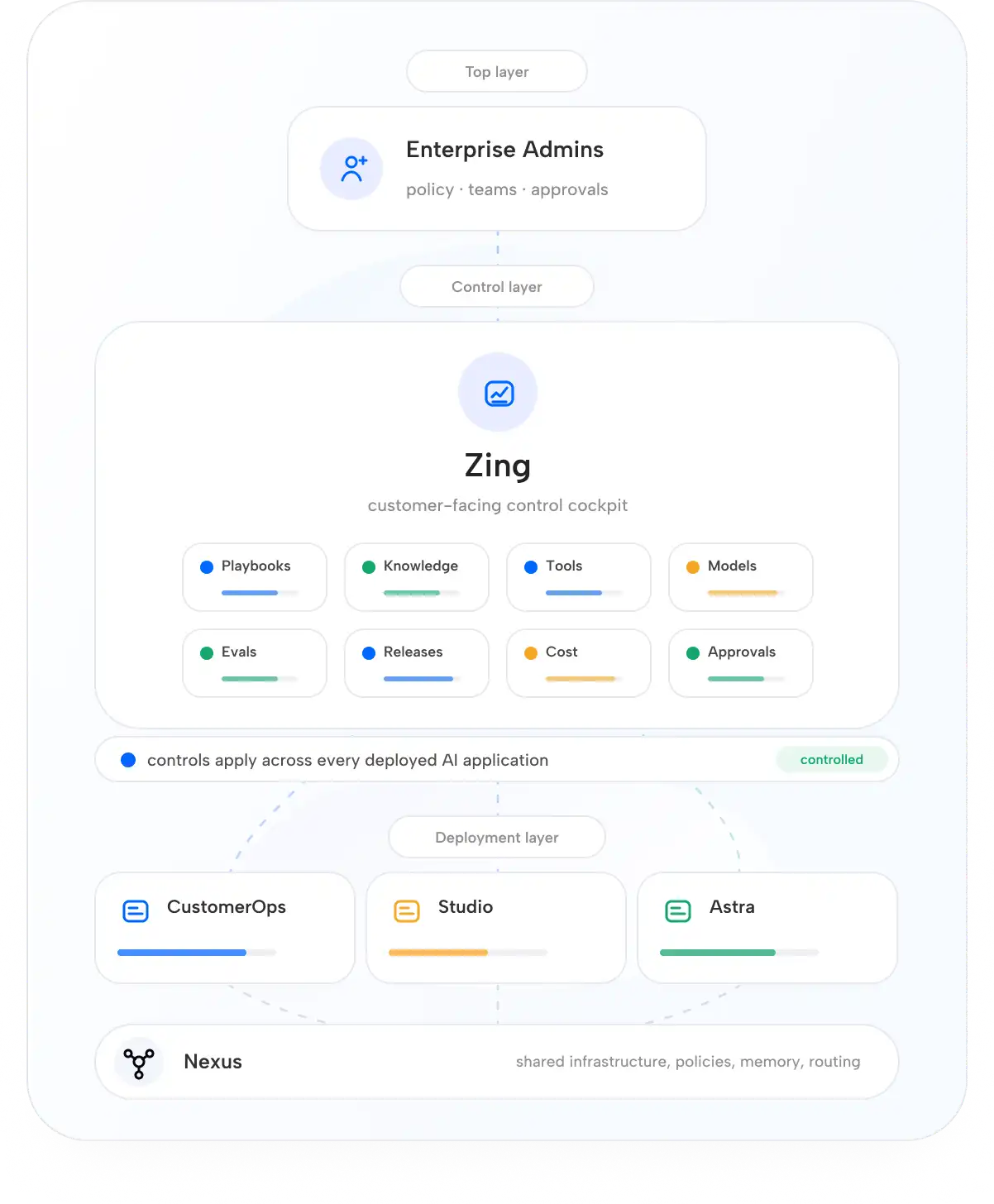
Zing exposes the parts customers need to manage while protecting the runtime, security, and engineering internals underneath.

Playbooks
View and edit business-readable workflows, rules, examples, and handoff logic.

Knowledge
Add sources, update policies, manage glossaries, and track indexing freshness.

Models
Choose model profiles, bring your own keys, set fallbacks, and monitor cost.

Tools
Manage connected systems, permissions, action risk, and integration health.

Approvals
Route risky actions, exports, refunds, discounts, or final content to humans.
Releases
Test changes, compare versions, approve deployments, and roll back safely.

Cost
Track usage by model, tool, workflow, channel, application, and outcome.
Replay and observability
Replay every
decision.
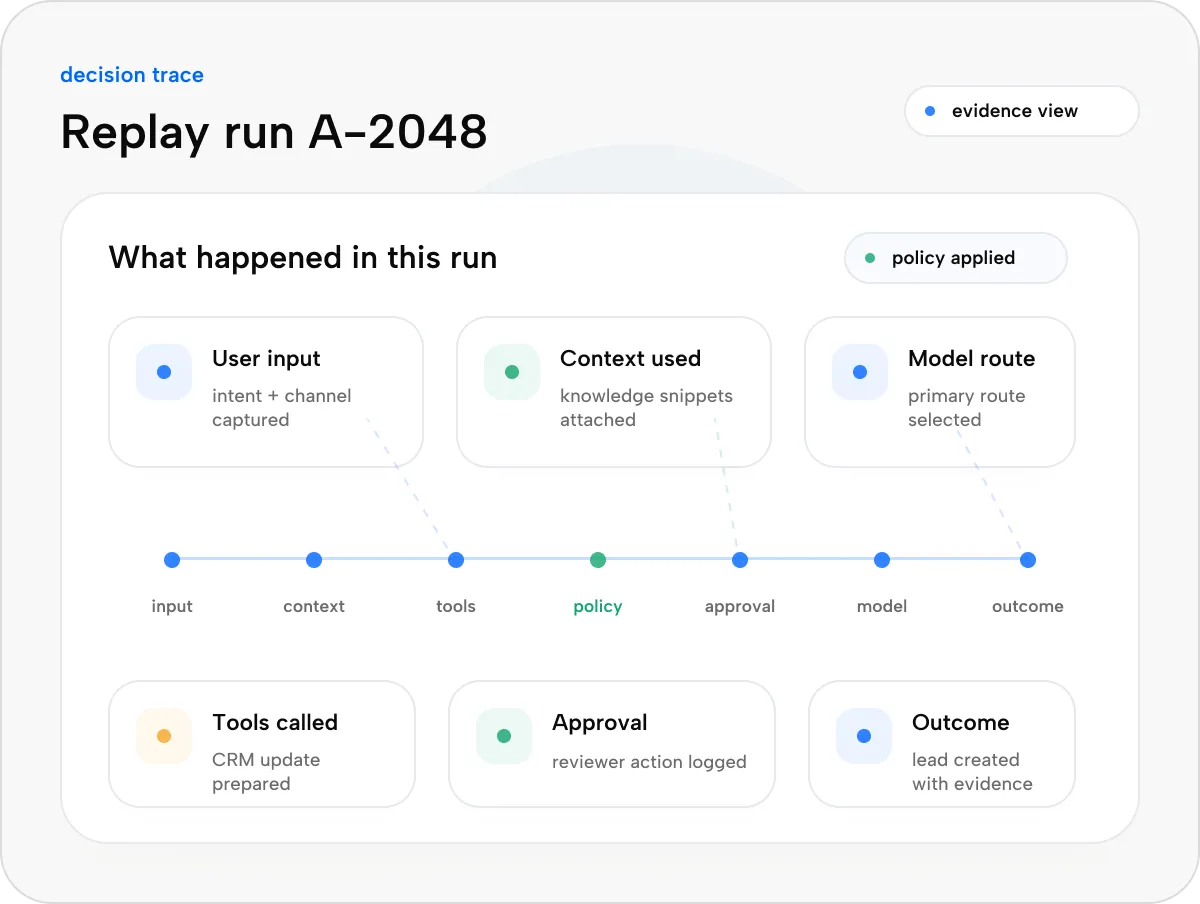
See what happened in each run: user input, context used, tools called, policies applied, approvals requested, model route, cost, latency, and outcome.
Zing shows decision traces and evidence, not raw hidden chain-of-thought.
Testing, evals, and release
Test before it touches
production.
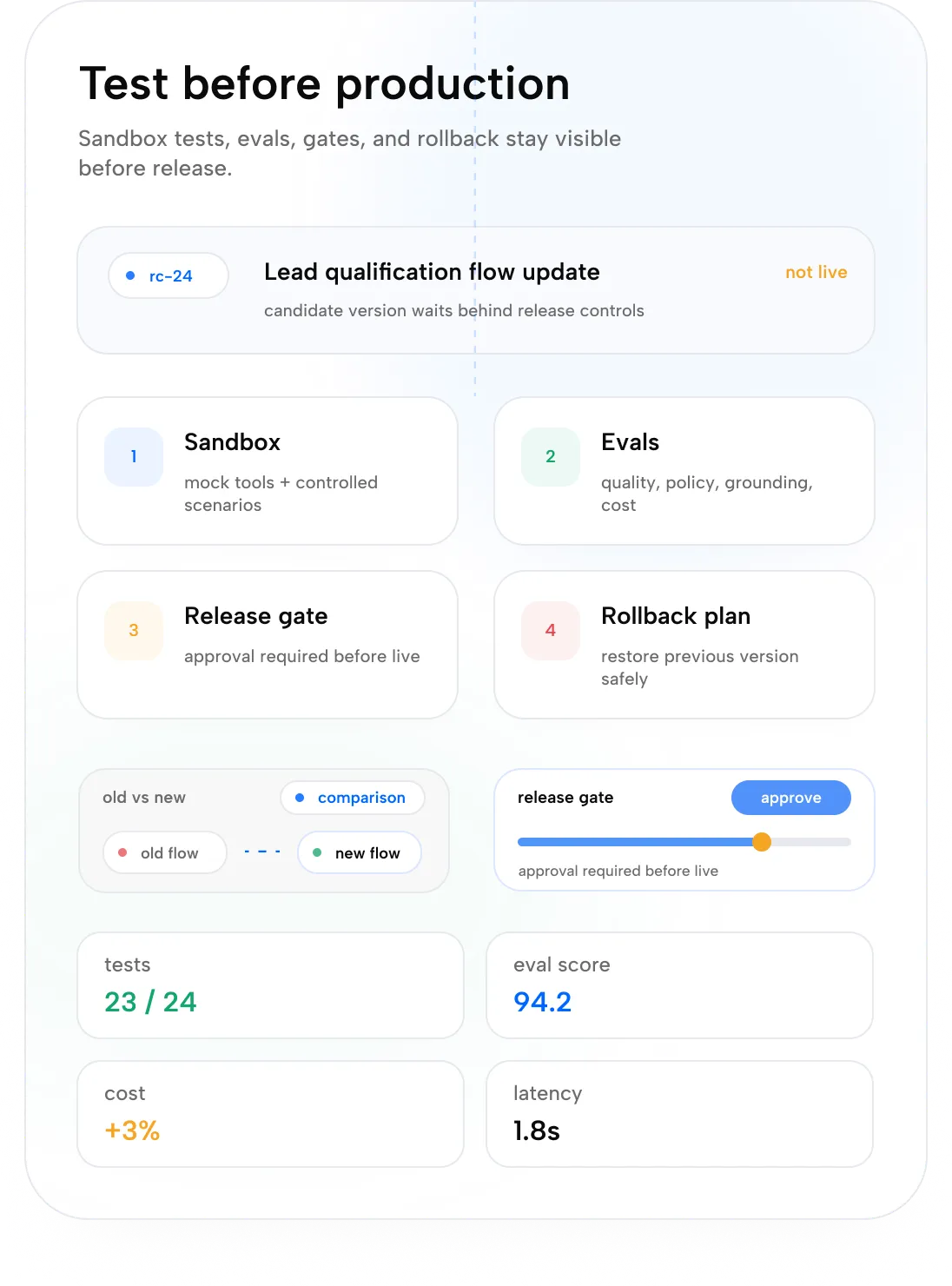
Every change can run through sandbox tests, evals, old-vs-new comparisons, approval gates, and rollback plans before it goes live.

Sandbox
Test workflow changes with mock tools and controlled scenarios.

Evals
Score quality, policy adherence, tool correctness, grounding, cost, and latency.

Release Gates
Block risky changes before production.

Rollback
Restore the previous version if quality or cost degrades.
Zing Operator
An AI operations team in the console.
Zing Operator watches live performance, finds failures, spots cost spikes, tracks stale knowledge, and recommends improvements.
Tell Zing Operator what to change. It edits the blueprint, generates tests, runs evals, shows the diff, and deploys safely with approval.

QA Agent
Finds bad sessions, policy failures, and regression risks.

SRE Agent
Tracks incidents, tool failures, uptime, latency, and recovery.
Spend Agent
Finds cost spikes, retry loops, expensive model routes, and margin leaks.

Security Agent
Flags prompt injection, unsafe actions, permission anomalies, and sensitive data risks.
Knowledge Agent
Finds stale sources, missing policies, and contradictory documents.

Integration Agent
Detects schema drift, broken APIs, auth expiry, and tool contract failures.

RevenueOps Agent
Tracks missed leads, conversion influence, customer signals, and revenue opportunities.
Models, Tools, Data
Bring your stack.
Control the routes.
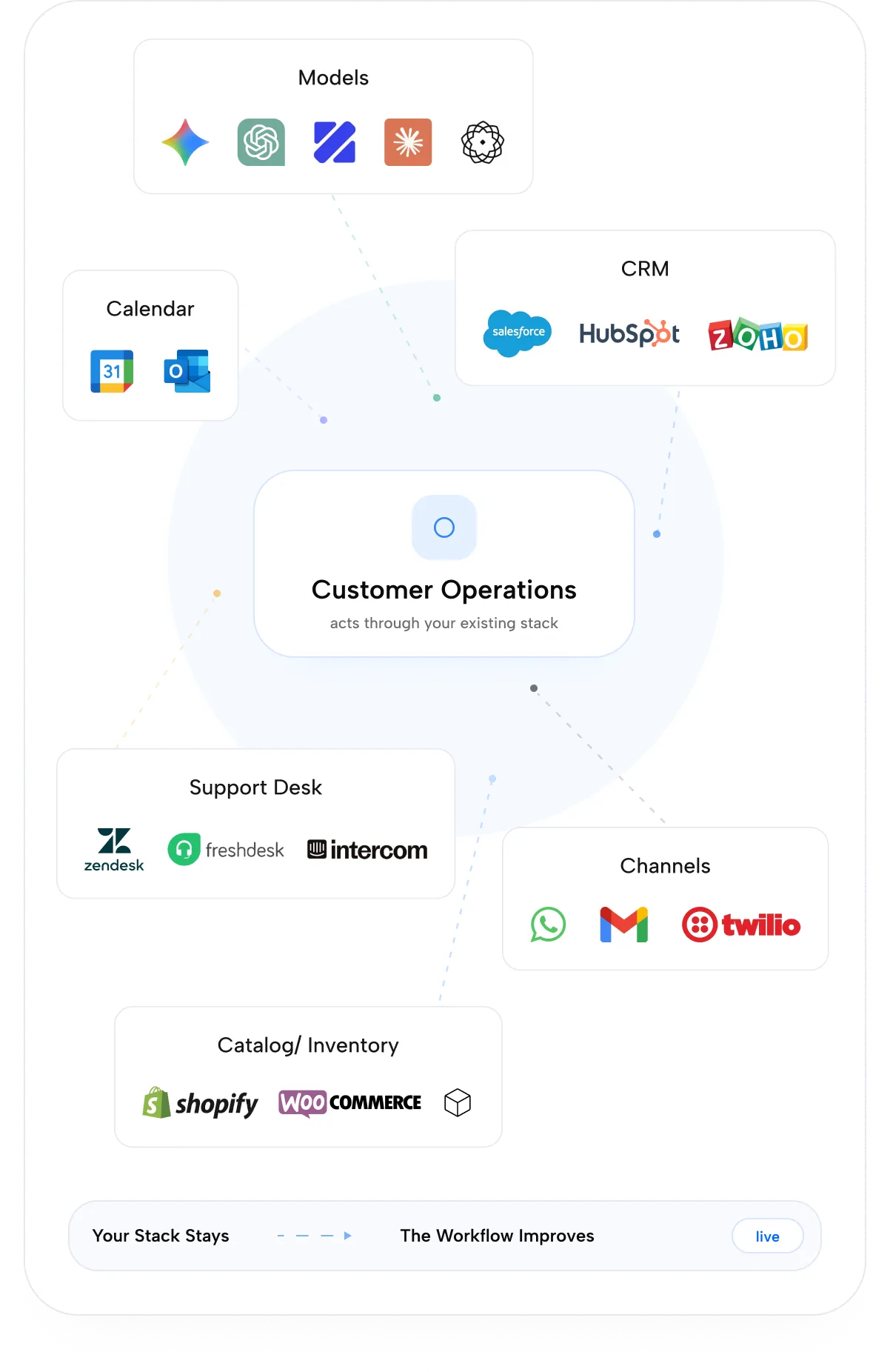
Zing gives teams visibility and control over the models, tools, and data each AI application uses.
Models
Use Gemini, GPT, Claude, Sarvam, Zangoh Models, or private/self-hosted models based on quality, cost, latency, and policy.
Tools
Connect CRMs, ERPs, ticketing systems, media services, document stores, calendars, APIs, and custom internal systems.

Data
Manage knowledge sources, memory scopes, entity context, glossaries, policies, and source freshness.
Deployment And Governance
Run where your business needs it.
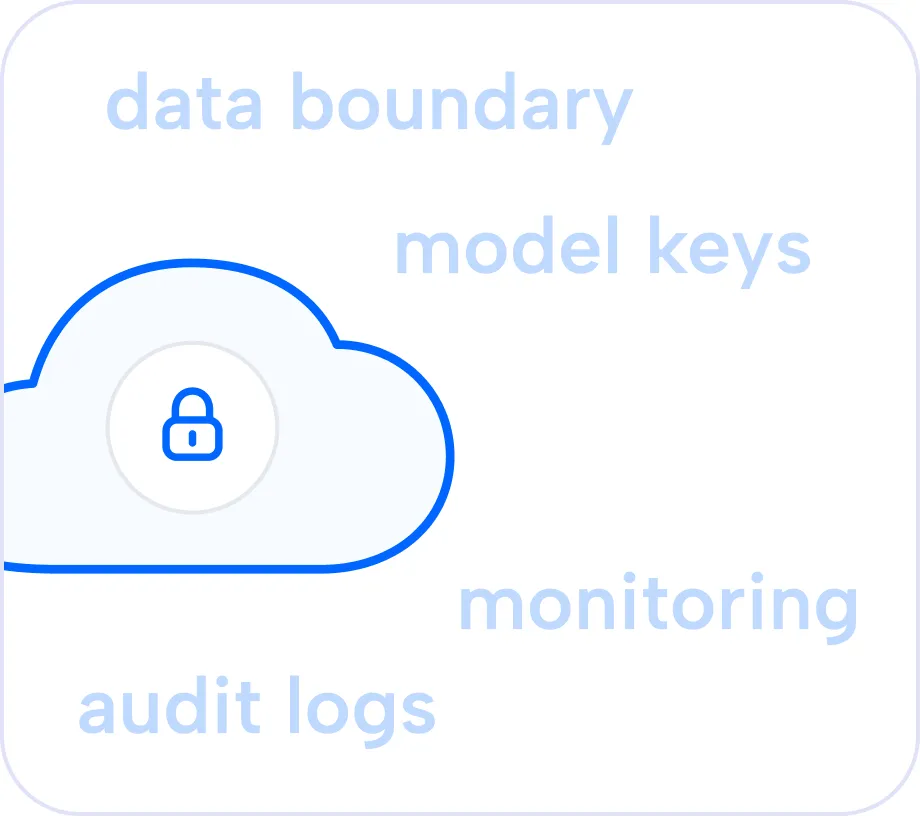
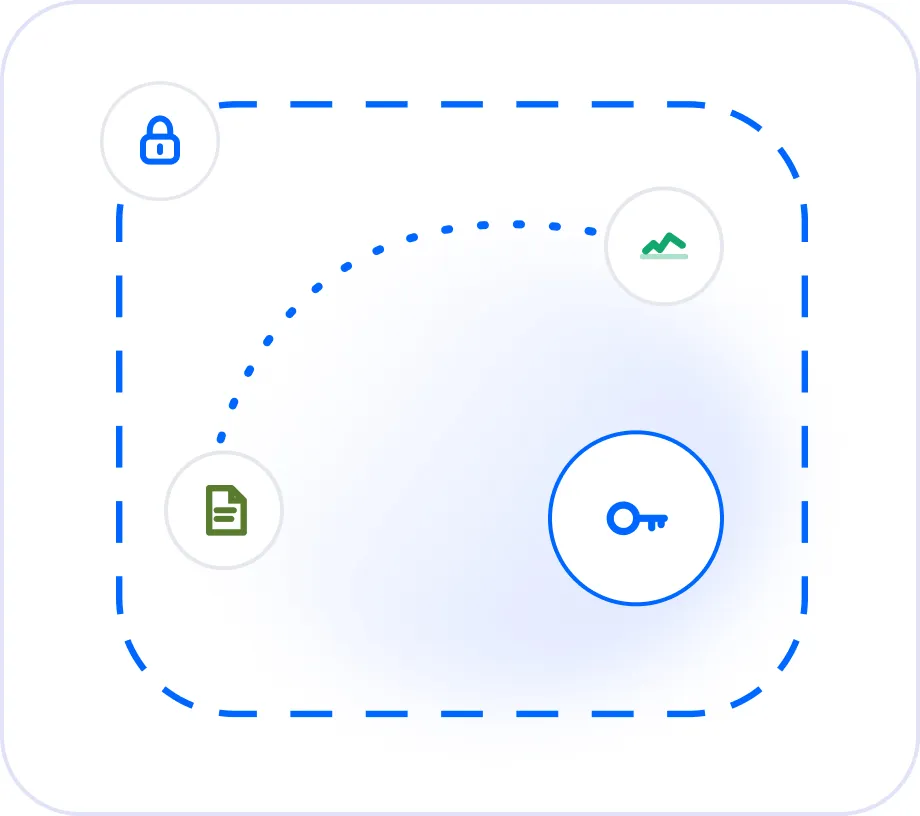
Deploy in Zangoh Cloud, private VPC, or controlled enterprise environments with RBAC, audit logs, model controls, data policies, and deployment visibility built in.
Zangoh Cloud
Fastest path to production.
Best for: Fastest launch
Private VPC
Your perimeter, our management.
Best for: Enterprise security teams
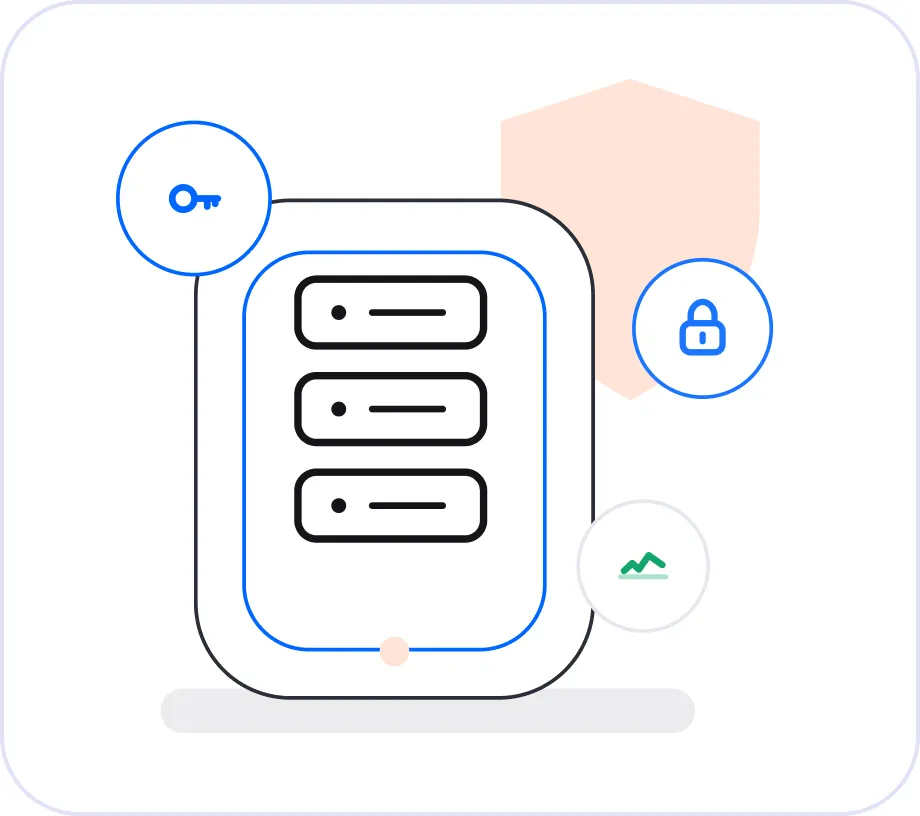
On-Prem
For regulated and high-control environments.
Best for: Strict infrastructure requirements
Application Coverage
One control plane. Every Zangoh application.
Zing ships with Customer Operations, Studio, Astra, and custom enterprise workflows so every application stays visible, configurable, and improvable.
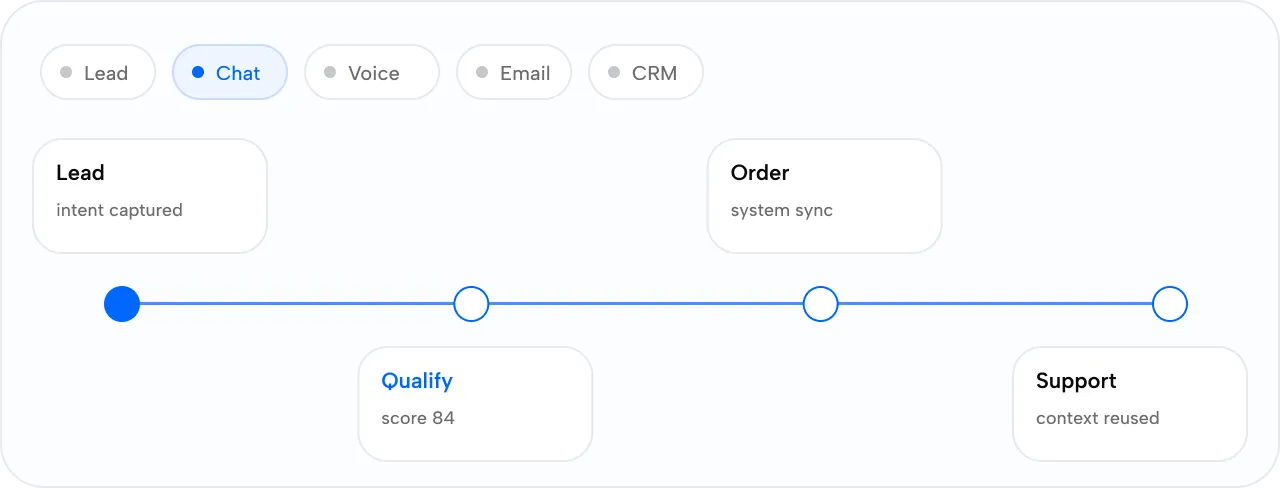
CustomerOps
Control sales, support, lead qualification, escalation, CRM updates, customer memory, and channel behavior.
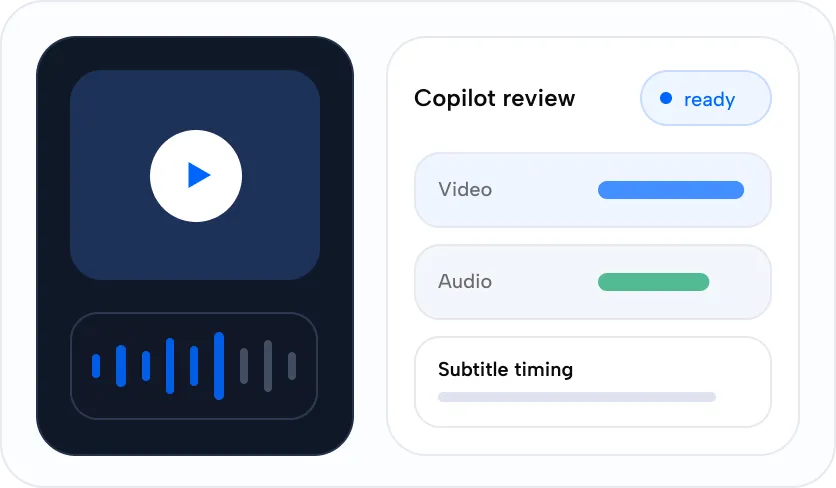
Studio
Control localization, content generation, accessibility, review, model routes, render costs, and asset approval.
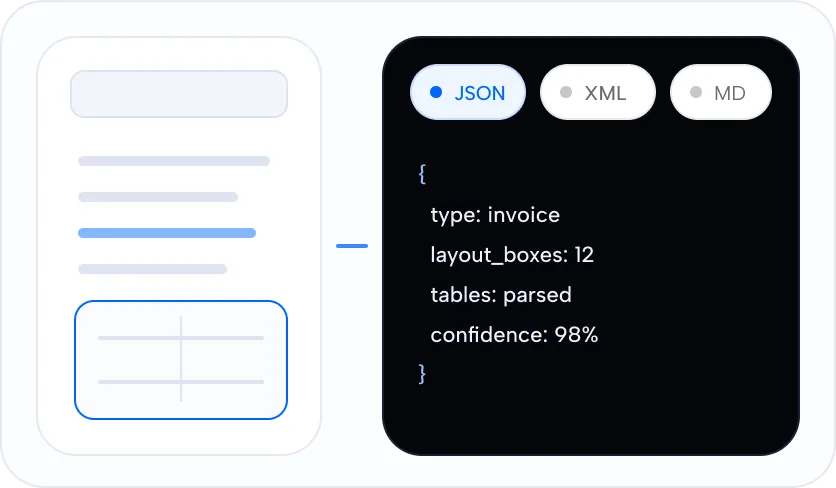
Astra
Control document extraction, review queues, language packs, structured output, indexing, and RAG-ready context.
Custom Workflows
Control specialized AI applications built with Zangoh for finance, healthcare, public sector, operations, and media.
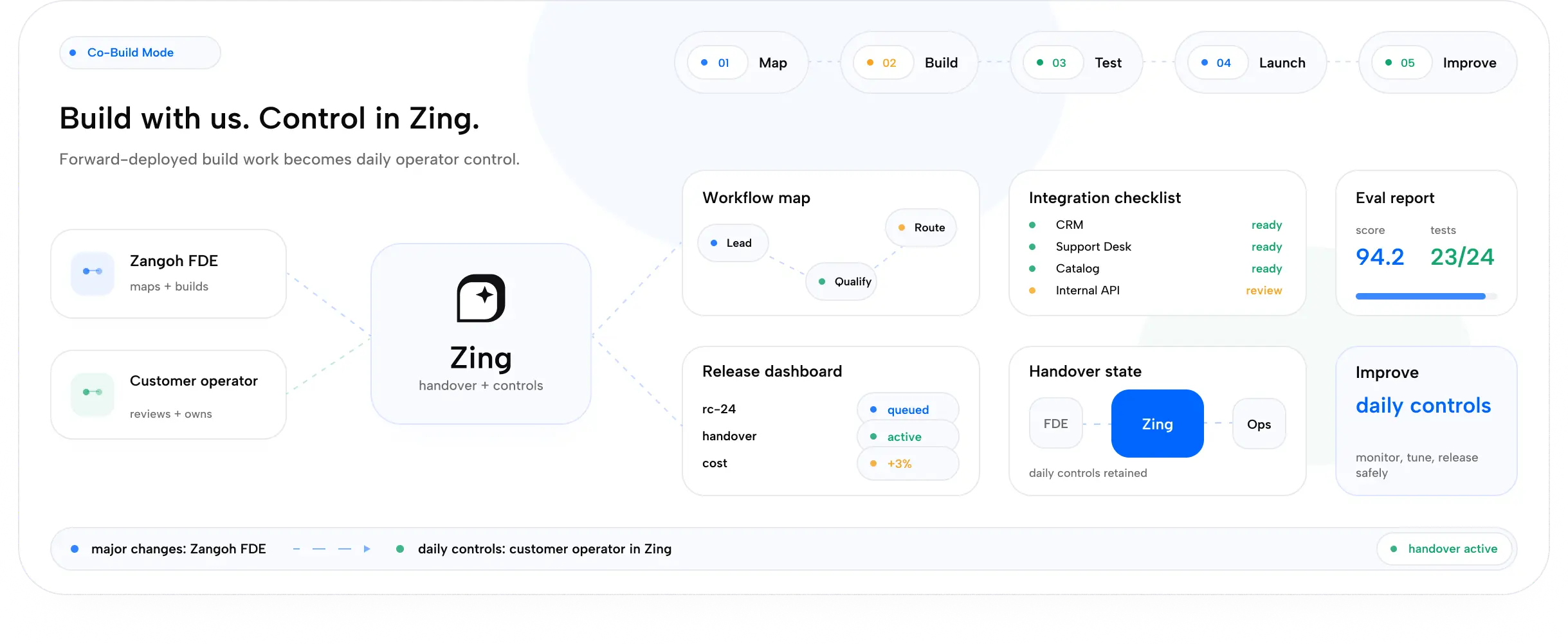
Co-Build On Zing
Need deeper customization? Build with us.
Zangoh's forward-deployed team maps workflows, connects systems, builds evals, handles complex integrations, and exposes safe controls through Zing.
Major changes happen with Zangoh. Daily controls live in Zing.

Start with one application.
Control it in Zing.
Launch one controlled application first, then expand the same operator layer across the rest of your AI stack.